A page where people can ask you for a time.
Your device already knows when you’re free. AskWhen.me lets it answer: a page at askwhen.me/yourpage where someone picks a time and asks, from a server that never sees your calendar.
AskWhen.me is a subscription inside it: free for 90 days, then $19.99 a year.
Ask Dana Cho for a time
Tuesday. An offer, not a reservation: Dana confirms every one.
Three times cross the wire, and nothing else. The request comes back to Dana, and nothing goes on her calendar until she says yes.
Everyone else’s server reads your calendar. By design, ours won’t.
A booking app holds your calendar so it can promise a slot on the spot. AskWhen.me holds a few times a day, and a question.
Your device publishes a few times it is willing to be asked about, and nothing else. When someone picks one, the request comes back to your device, which checks your calendar again before anything is written. Until you turn it on, Calendar Mirror makes no network request at all.
Two ways to be asked
A page anyone can ask from, and a link for one person.
The page
askwhen.me/yourpage. Anyone with the address can pick a time and ask. Every request waits for you.
The link
Sent to one person. If the time they pick is still clear, your device answers for you.
The page: your device offers, they ask, you answer.
Anyone with the address can ask. Every request waits for you.
- Your device chooses the times
From the calendars you pick: a few a day, inside the hours you say, with room around what is already there.
- You publish those, and only those
They go up to askwhen.me/yourpage under the name you chose. The page shows a list of times and nothing else about you.
- Someone asks
They pick a time, say who they are, and confirm their email. The request waits for your device; the server holds it, and no more.
- You accept, on your device
It re-checks your calendar first. Accept, and the event is written by your device and they get a calendar file by email.


What the person asking sees
Your page says whose it is and nothing else about you. The times are shown in their own zone, and every step says this is an offer, not a reservation.
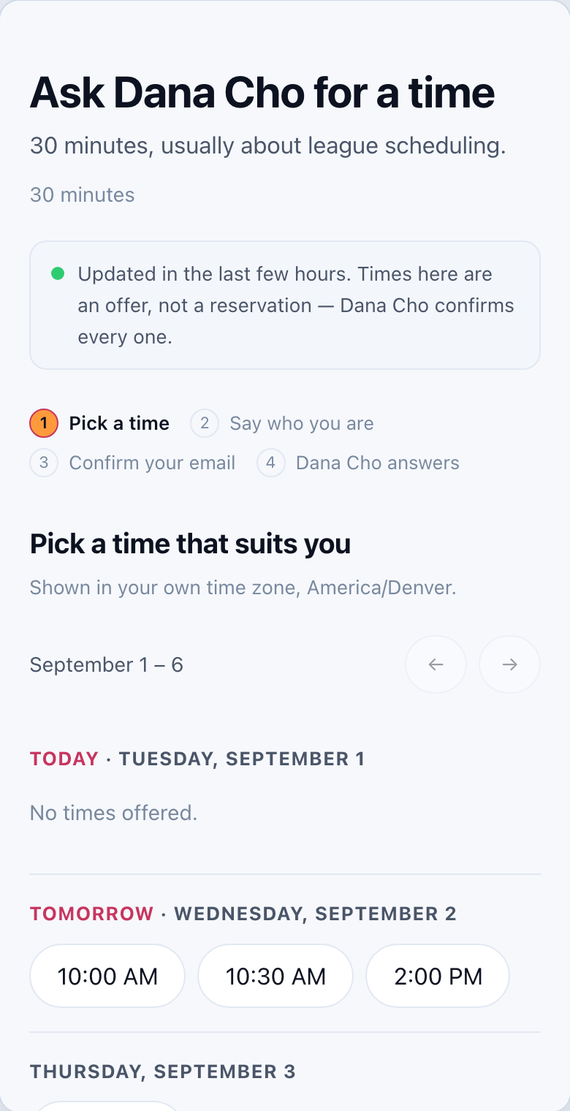
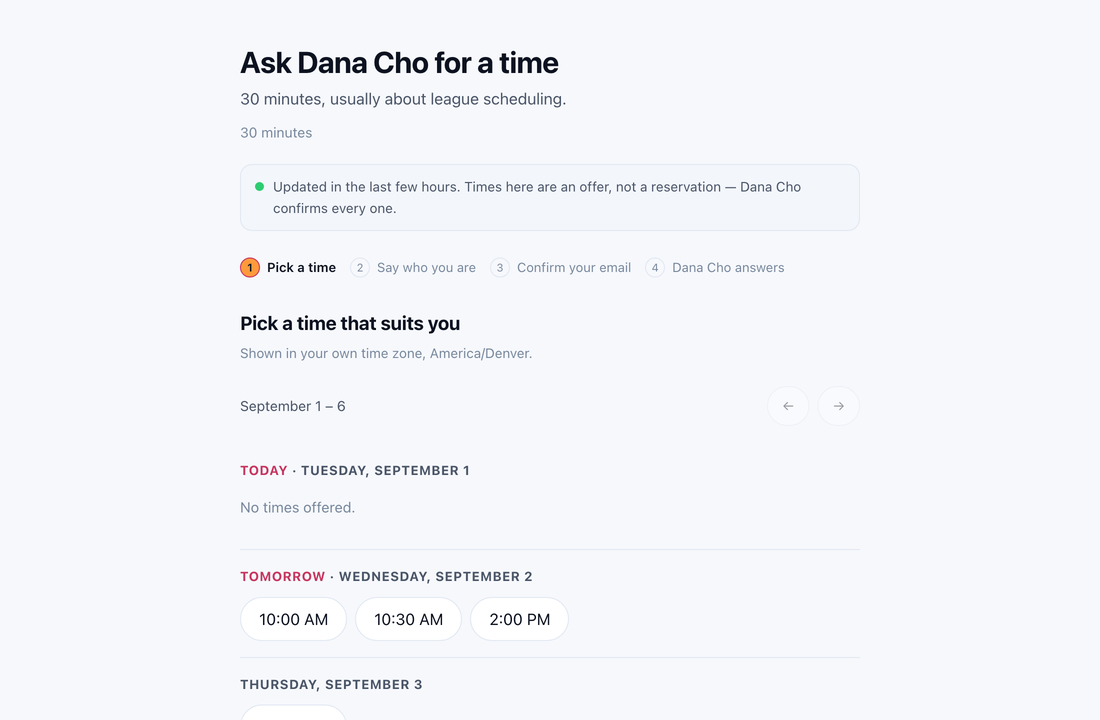
- Pick a time
A week of times, in the visitor’s zone. The line under your name is yours.
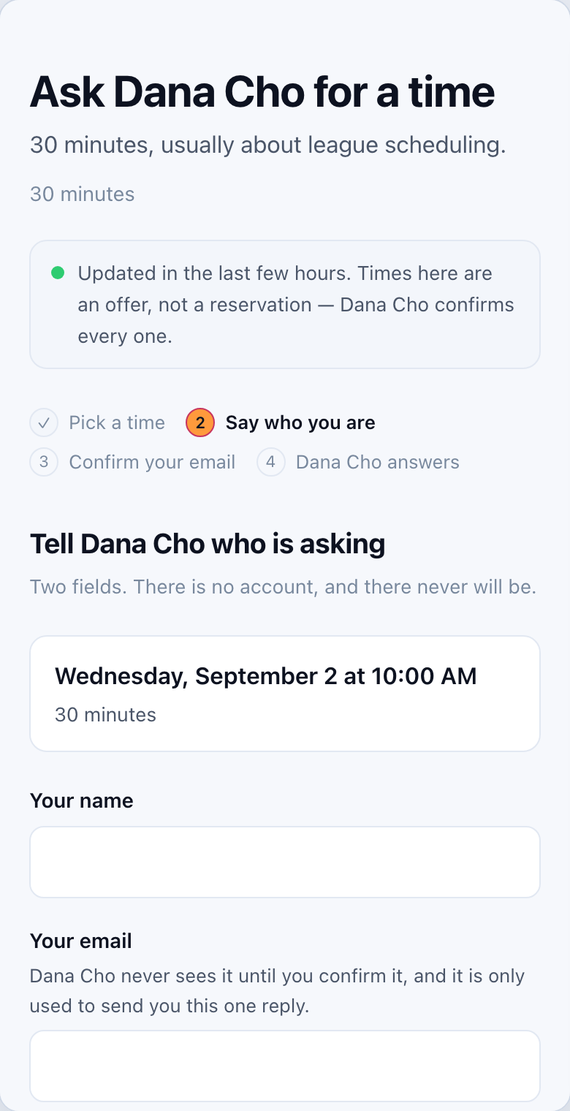
- Say who you are
A name and an email. No account. The address is not shown to Dana until it is confirmed.
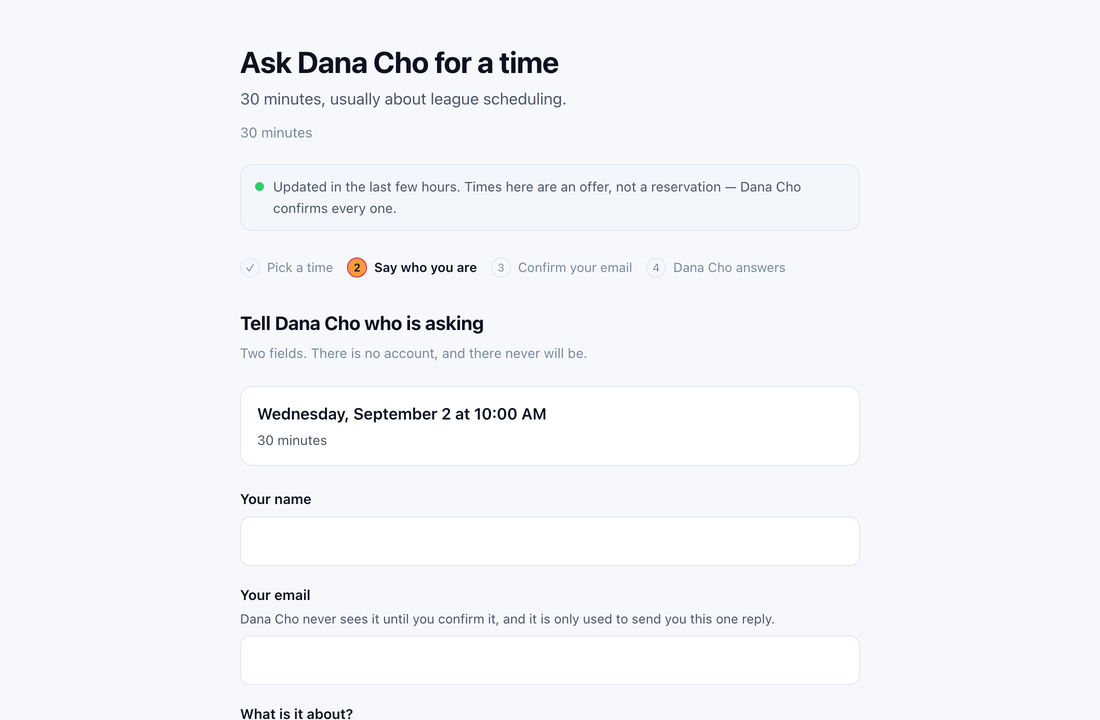
- Confirm by email
The request is held for fifteen minutes. Nothing reaches Dana until the link is clicked.
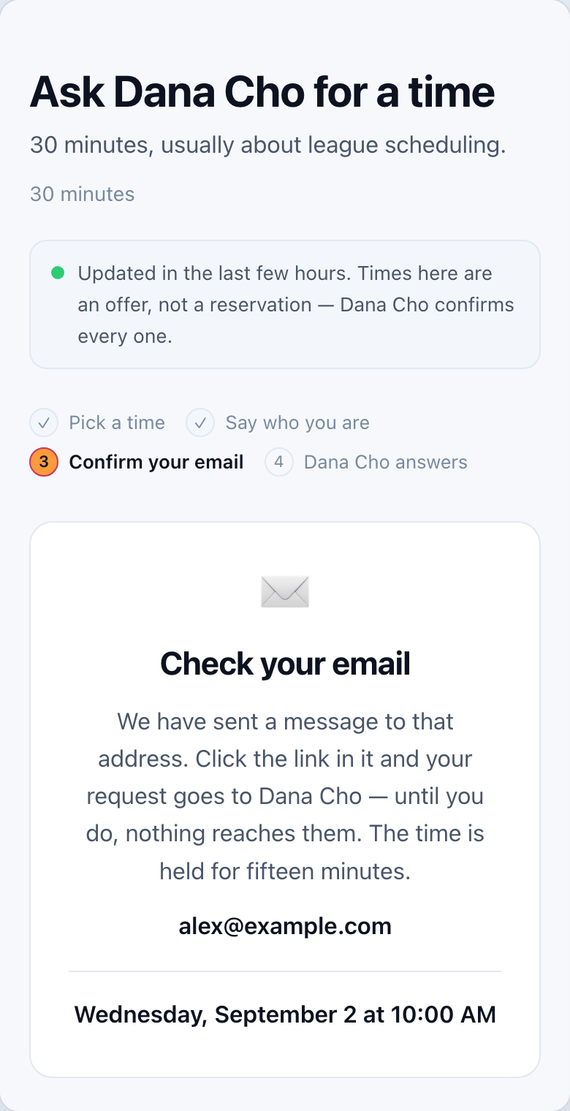
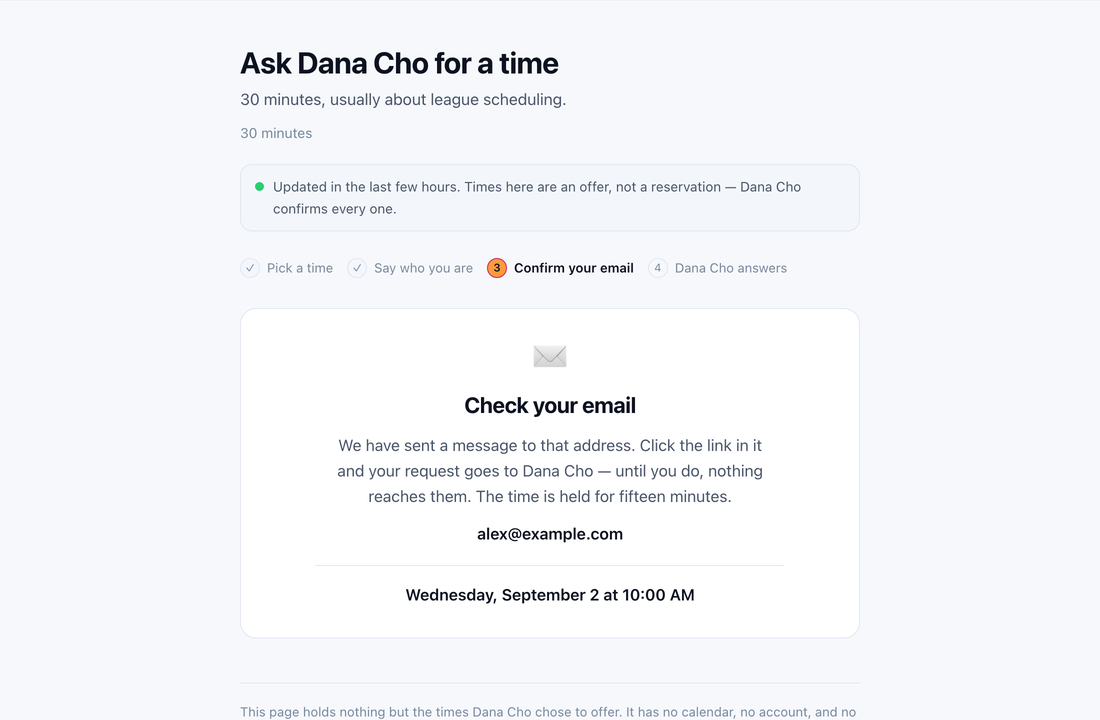
- Get an answer
Dana says yes on her device, and the invitation arrives by email.
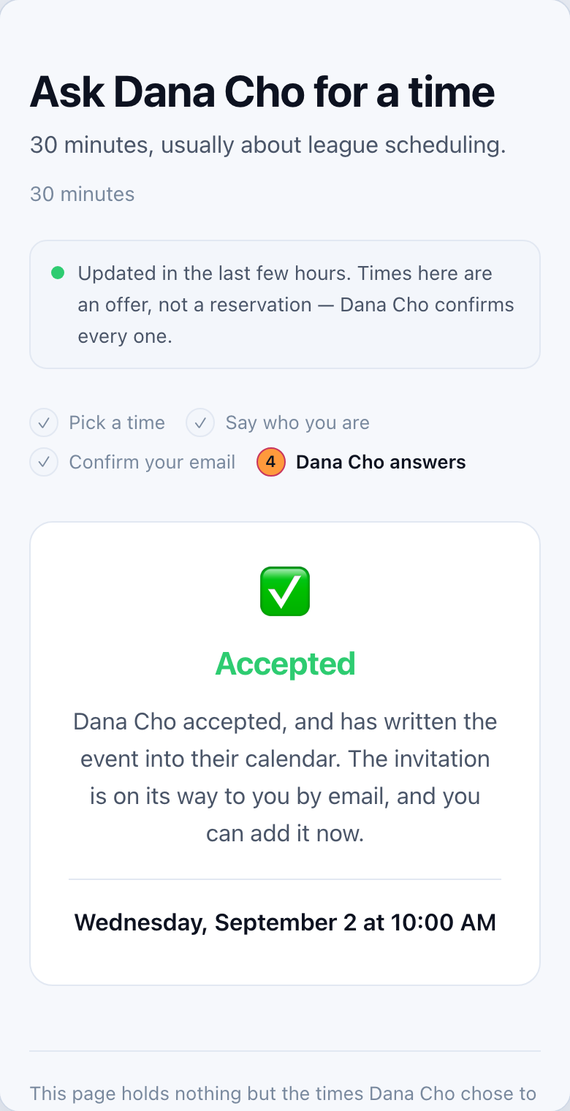
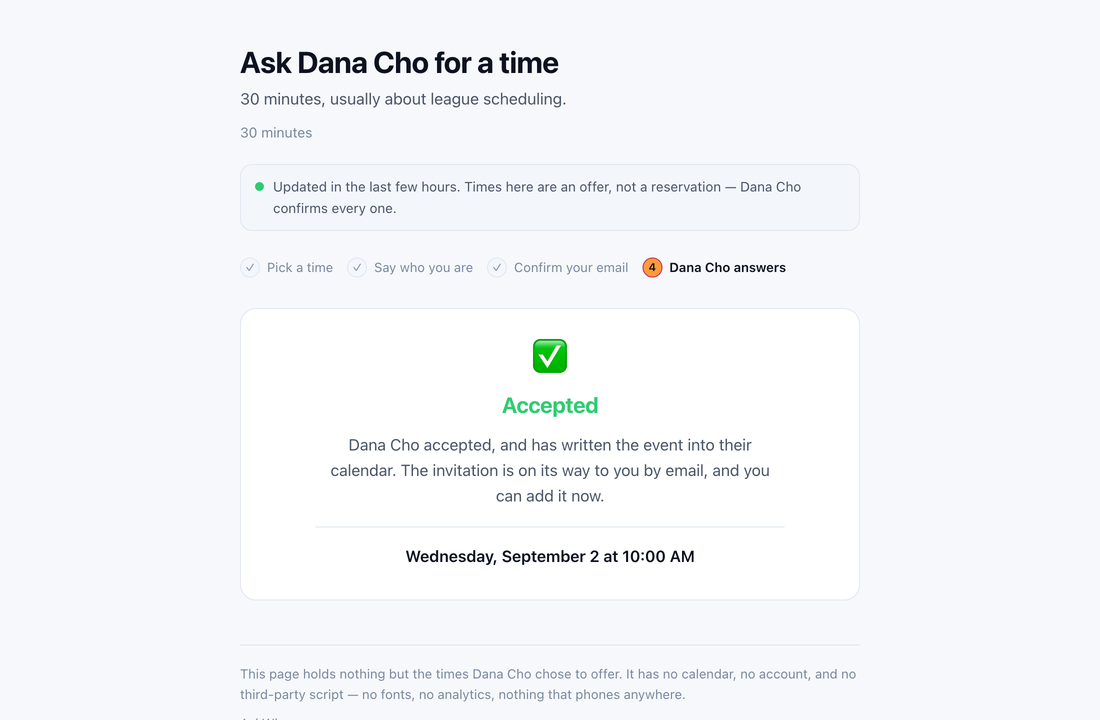


One page, laid out for the width it is given. There is no app to install on either side of the ask.
What the server holds
The design is a dead drop: times go in, requests come out, and the server is never told who you are. The privacy page says the same in full, with how long each thing is kept.
It holds
- The times you chose to offer, as start and end. Nothing about why those.
- The name you put on the page and the line under it, the meeting title and length, and your time zone.
- Requests from people who asked: the time, their name, their address, a note. Until you answer, and 14 days at most.
- An anonymous subscription identifier from Apple, stored hashed. It says a page is paid for, not who paid.
It never sees
- Your calendar, or any event in it: titles, locations, attendees, notes.
- Which calendars you chose, or how many there are.
- Your email address, your Apple ID, or your payment details.
- The shape of your week beyond the handful of times you offered.
The link: one person, one week, no waiting.
Send times puts your next three free times on the clipboard, ready to paste into a text, an email or Slack. With AskWhen.me on, it carries a link.
The link is not your page’s address. It opens once, for a week, for the person you sent it to, so a forwarded message is not an open door. And because you sent it, there is no email confirmation: if the time they pick is still clear, your device says yes for you. If it has gone, they are told, and nothing is written.
What it costs
Free for 90 days, long enough for a stranger to actually ask, then a year at a time. Bought through the App Store, so payment is Apple’s and we never see it; renewal, cancellation and refunds are under Apple’s terms. The subscription is asked for at the end of setup, after you have seen the page you would be publishing.
| Tier | What you get | Per year |
|---|---|---|
| Request Page | One page at askwhen.me/yourpage. The first 90 days are free. | $19.99 |
| Custom Subdomain | Your own name, you.askwhen.me, and more than one page. | $34.99 |
| Custom Domain | Your page on a domain you own, one DNS record away. | $69.99 |
US prices; Apple sets the equivalent elsewhere. The terms say what happens to your page and your address when a subscription ends. They are short.
It starts inside Calendar Mirror
Calendar Mirror is a small app that keeps a one-way copy of one calendar inside another. AskWhen.me is the one thing in it that talks to a server, and it is off until you turn it on; the row is under Background sync. About Calendar Mirror.
AskWhen.me is free for 90 days, then $19.99 a year.